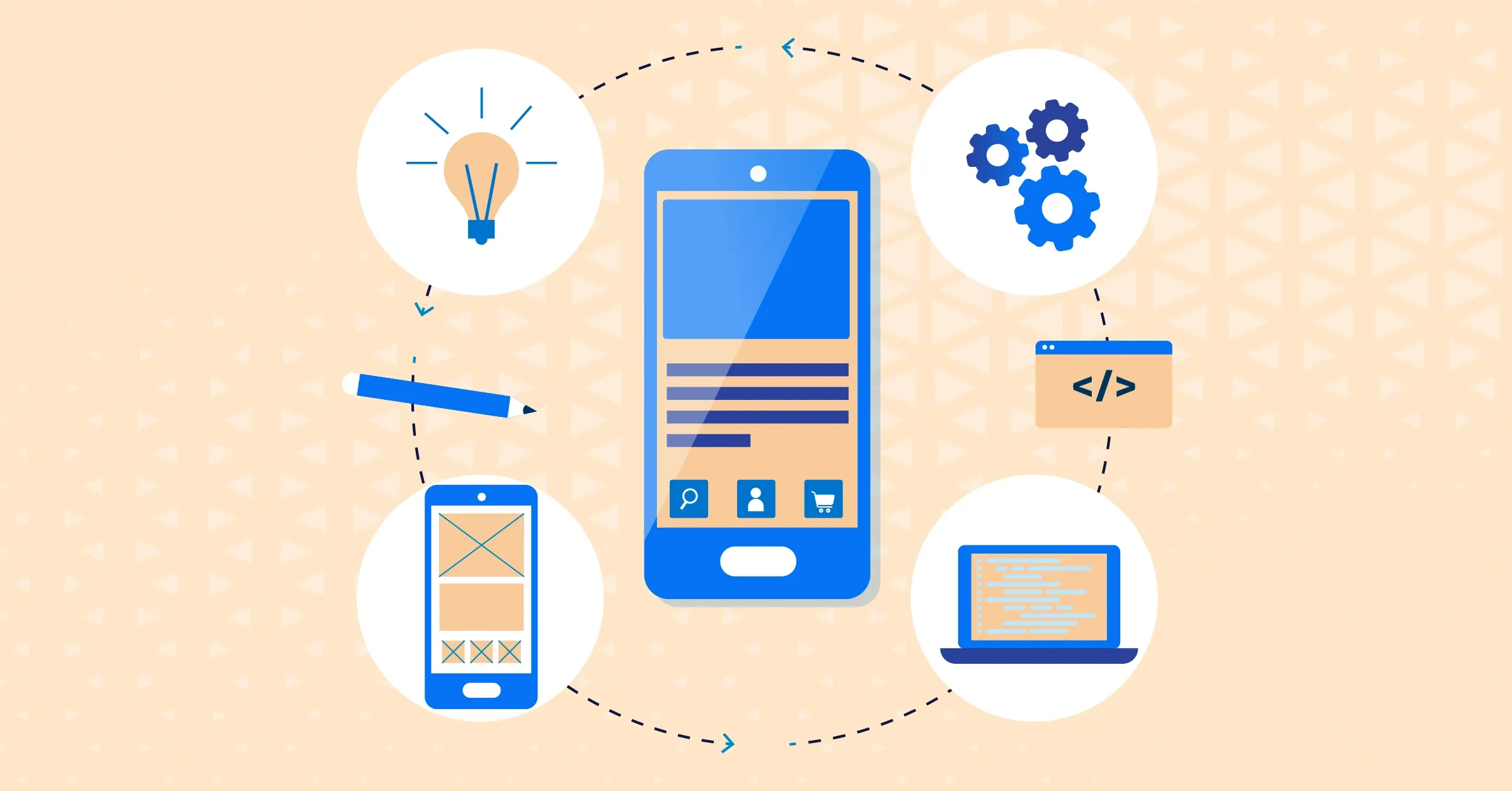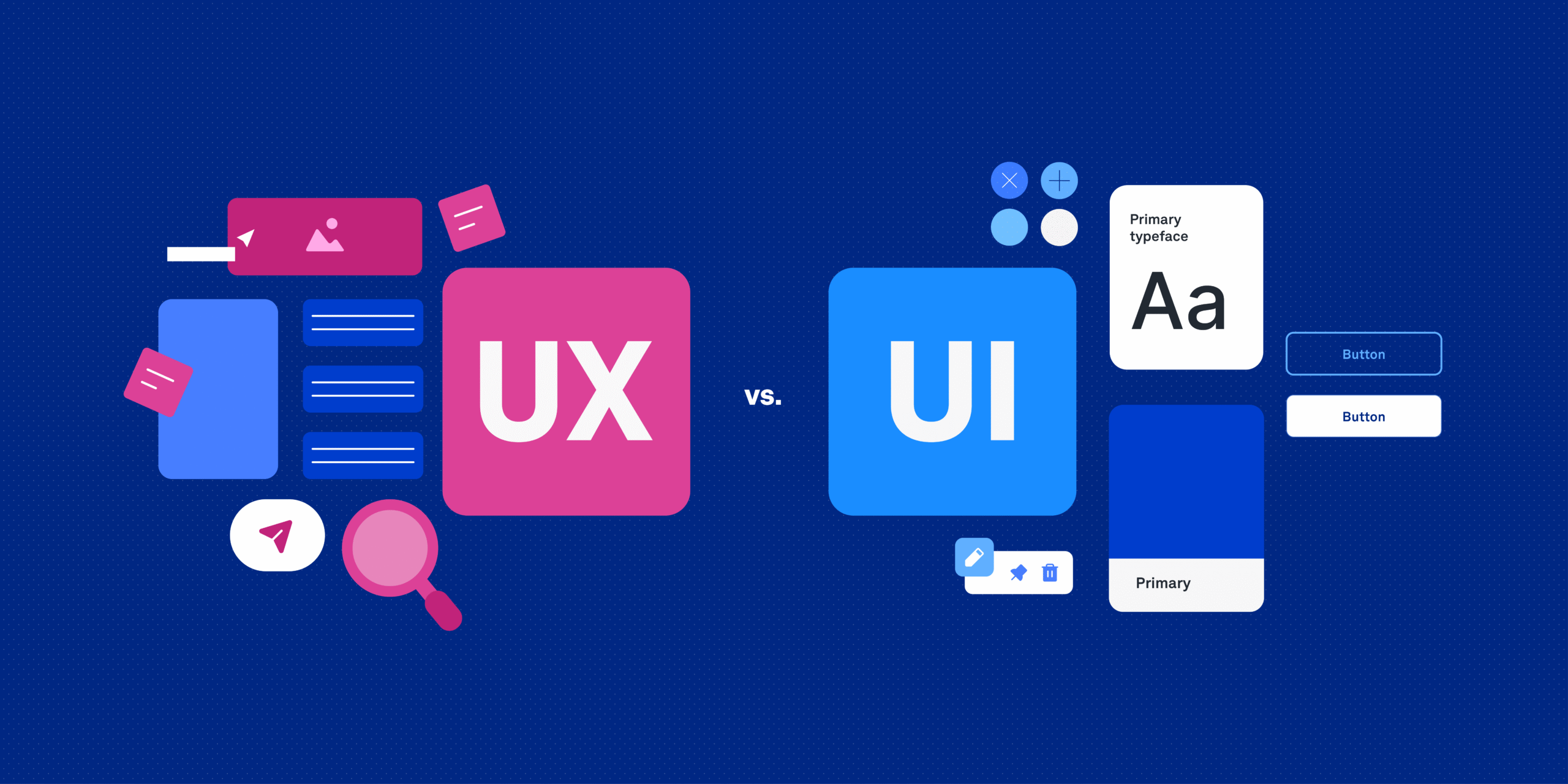

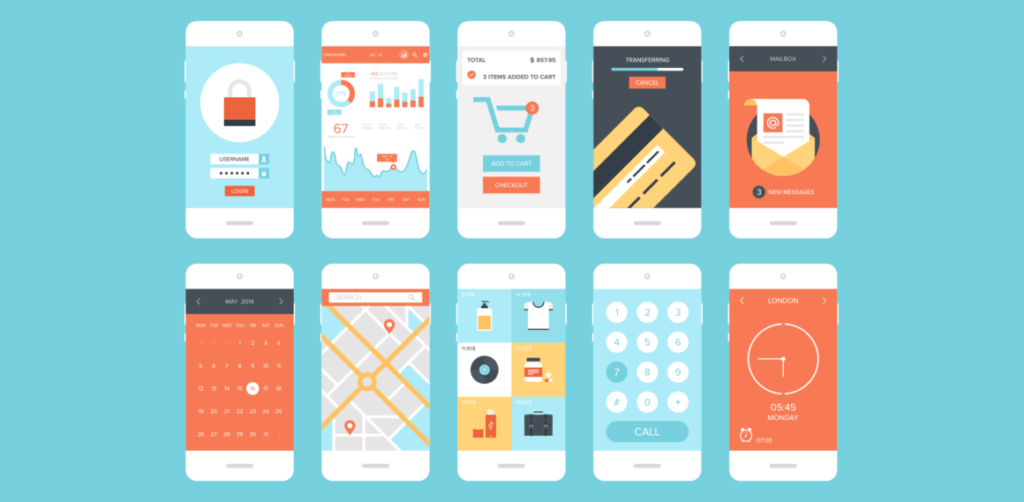
For a business, a good app design holds great importance. It helps users understand how the app works, completes tasks smoothly and builds trust for the product. It keeps users engaged and increases conversion and retention value. For a well developed app, UI and UX both have relevance, if you are confused between UI and UX check out this blog.
Poor app design can have a serious impact on the business performance-
- User Experience
- App Abandonment / Uninstall Rates
- Business Growth
- Negative reviews and ratings
- Reduced brand trust and credibility
- Lower conversion rates
Now, let’s learn more about some common app design mistakes that we can avoid. Follow TWS Technology on Instagram for more such interesting insights.
1. Complicated Navigation
When an app has too many menus and an unclear flow, it becomes difficult for the users to find key features, making them frustrated. So, one must keep navigation simple and intuitive.
2. Cluttered Interface
When there are too many elements on the screen with poor spacing and alignment, making the interface look messy. We must try to use clean and simple layouts with visual hierarchy.
3. Ignoring User Onboarding
We cannot expect the users to know beforehand how everything works in our app. Without any guidance or tutorial the users may seem lost so one must add a quick onboarding visual.
4. Slow Loading Time & Heavy Design
When there are large images, animations slow the app which causes the users to leave. So one must optimize images and performance to increase loading speed of the app.
5. Inconsistent Design
When an app has different fonts, colors, button styles across screens, it makes it
looks unprofessional and confusing, so one must follow a consistent design system.
6. Poor Readability & Typography
One must ensure that the font size is appropriate and that there is low contrast between text and background so that it is easy for the users to understand what is written on their screens.
7. Not Designing for Different Screen Sizes
One major mistake that is made when developing an app is to not make it suitable for different screen sizes causing the elements to overlap and the app breaking on other devices.
8. Poor Error Messages & Feedback
When there is no clear message when something goes wrong and no confirmation after actions, users do not understand what to do. Thus the app must show helpful error messages and success feedback.
Conclusion
Good app design is not just about making things look attractive — it’s about making the experience easy, clear, and enjoyable for users. By avoiding these common design mistakes, you can create an app that people actually like using and want to come back to. Small improvements in navigation, readability, and performance can make a big difference in how successful your app becomes. Visit TWS Technology for more blogs and useful information.
Connect with us for more valuable insights
Website: TWS Technology
Instagram: TWS Technology
Facebook: TWS Technology
LinkedIn: TWS Technology